Save text, links & videos from any website — safely backed up to your own Google Drive.
We don’t collect any data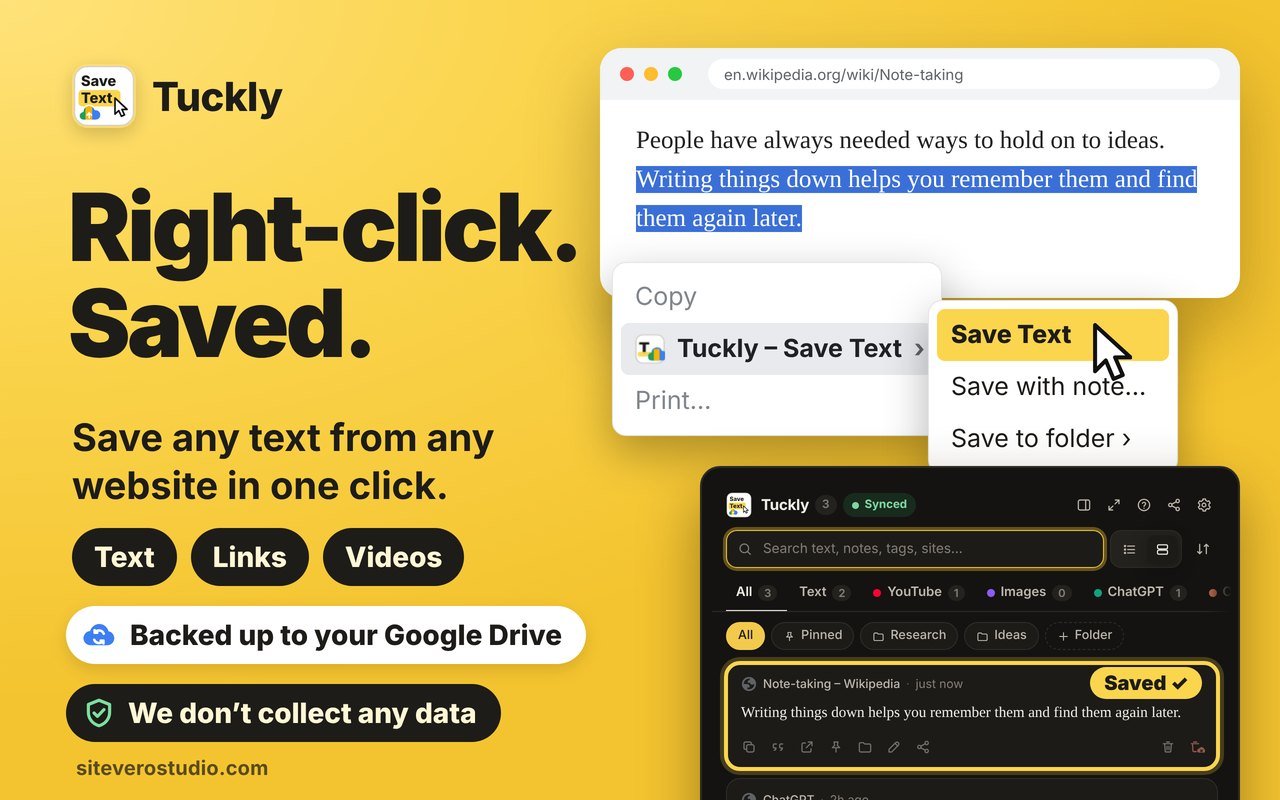
Free, fast and private. Works in Chrome, Edge, Brave, Opera and Firefox.
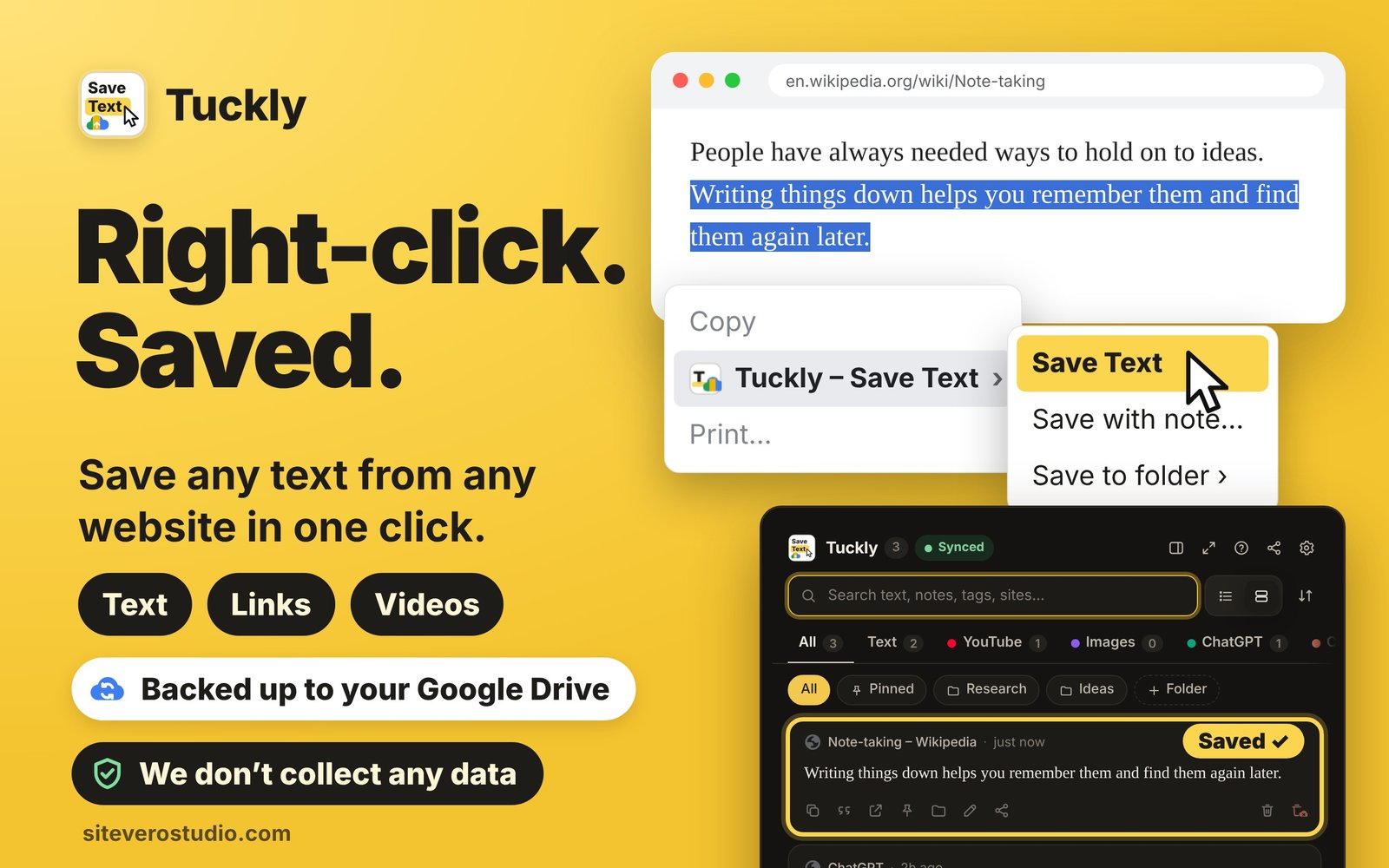
Select text → right-click → Save Text. Or press Ctrl+Shift+S. Links, images and page links too.
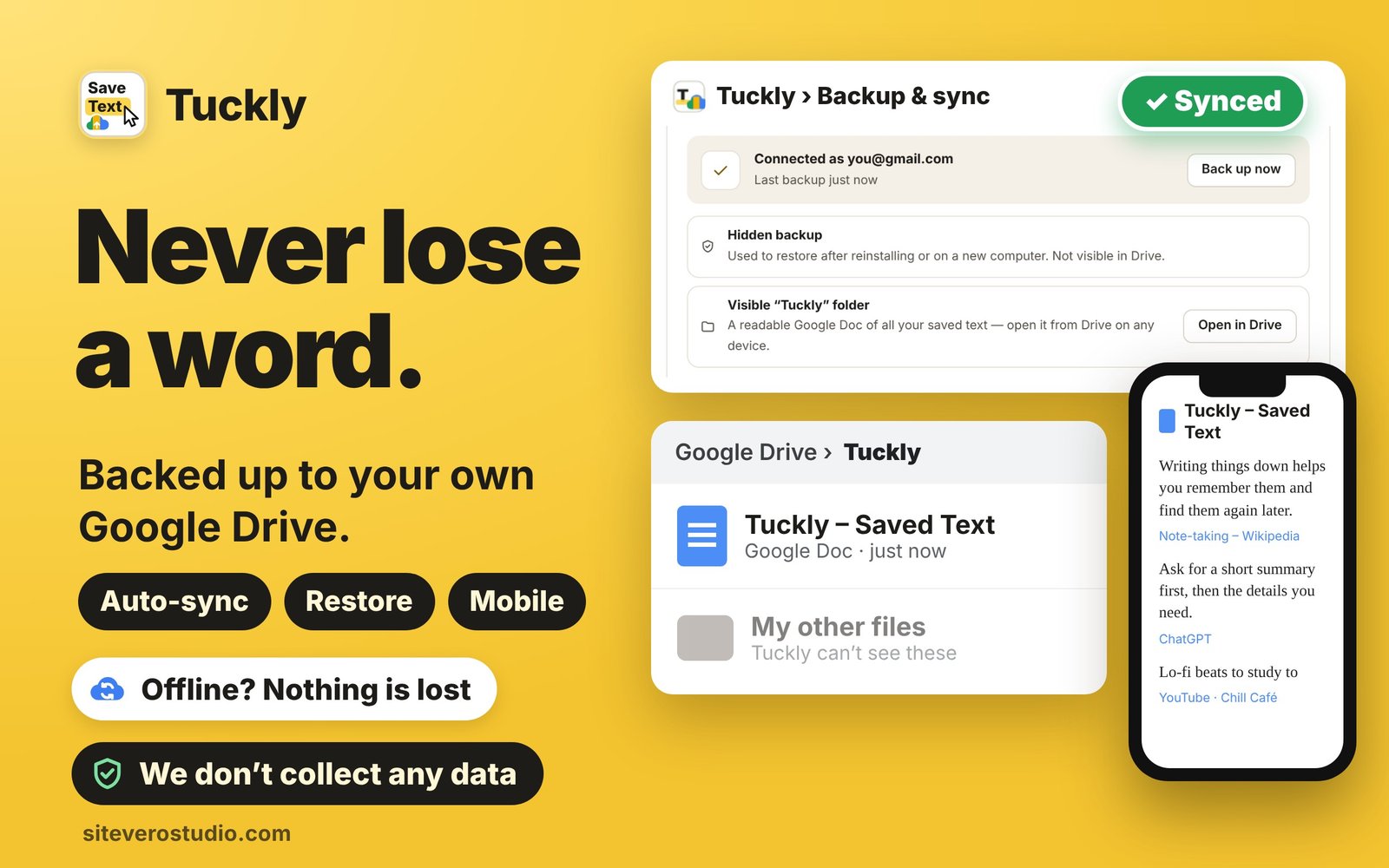
Automatic backup to your Drive, plus a readable “Tuckly” Google Doc you can open on any phone.
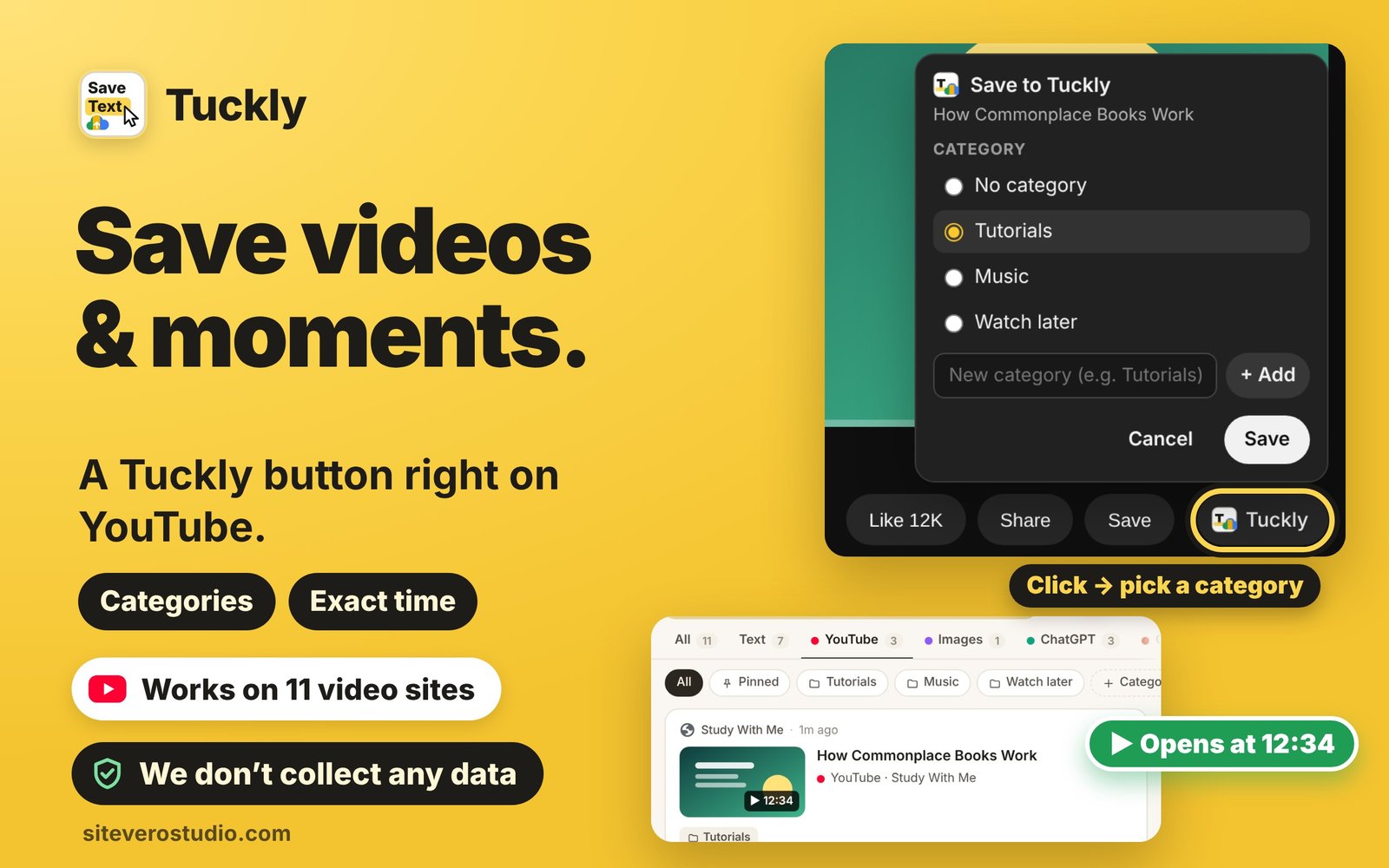
A Tuckly button on YouTube, Twitch & more. Pick a category and reopen at the exact second.
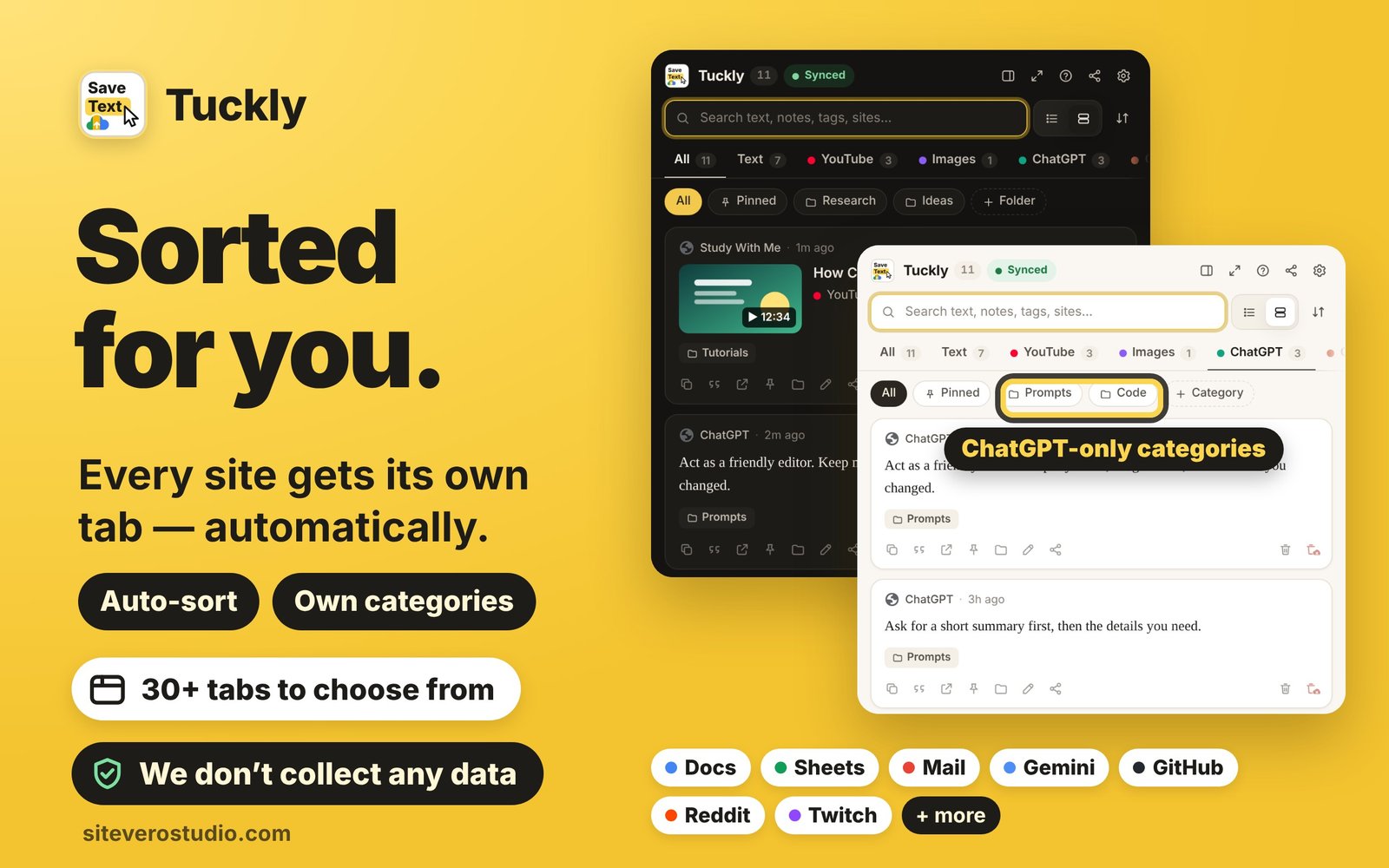
All · Text · YouTube · Images · ChatGPT · Claude — plus Docs, Mail, GitHub and 20+ more, each with its own categories.
Search, tags, pins and folders. Jump back to the exact spot on the page, highlighted.
Copy as Markdown, APA or MLA. Share to WhatsApp, email and more. Export any time.
Click any image to open it in HD.
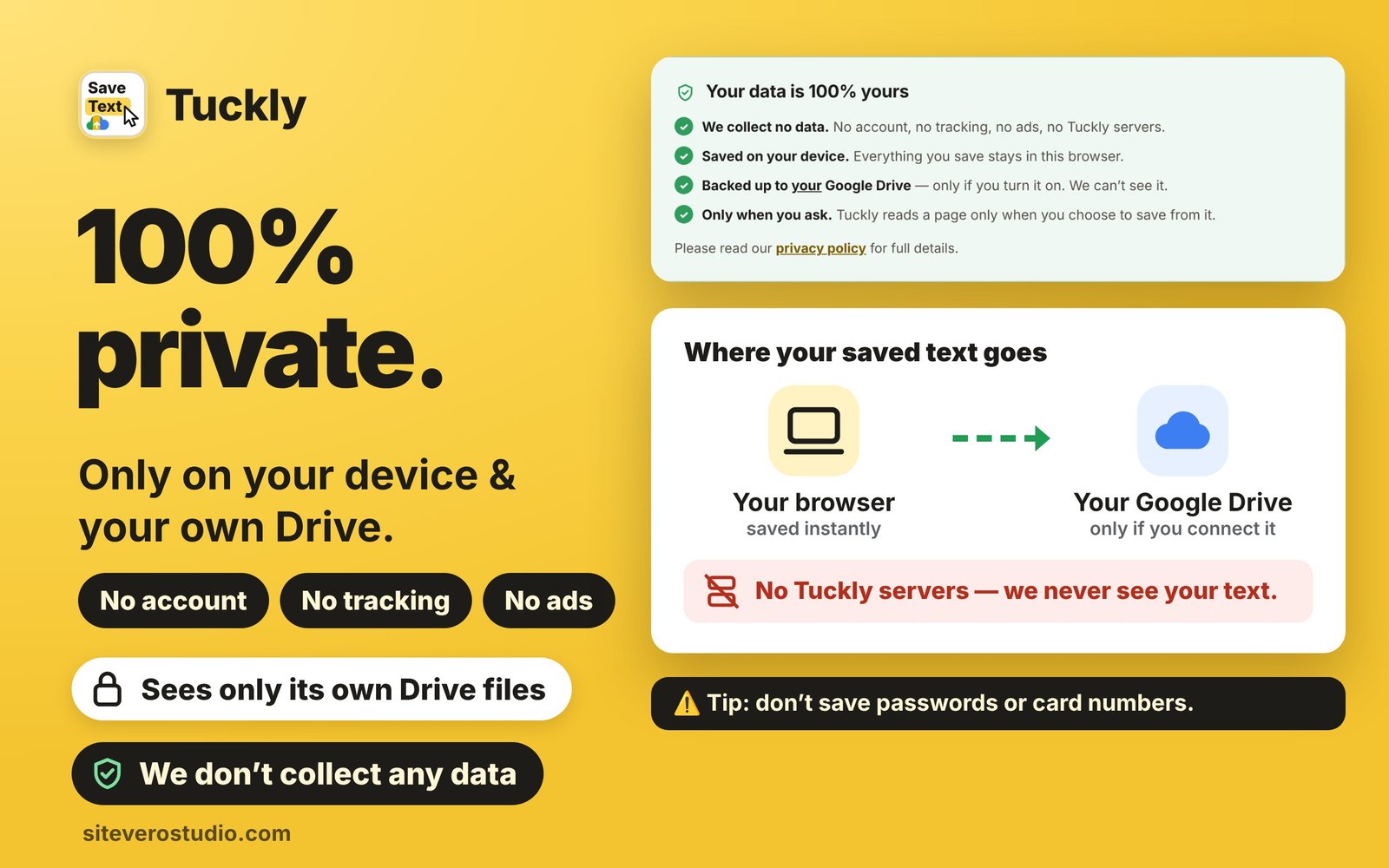
No account, no tracking, no ads, no Tuckly servers. Your text goes from your browser straight to your own Google Drive — only if you turn backup on.
Yes. Tuckly is free with no ads. If it saves you time, you can support its development.
Not with Google Drive connected — reinstall, connect the same account and everything comes back.
No. There is no Tuckly server. Your text stays on your device and in your own Google Drive.
Chrome, Edge, Brave, Opera, Vivaldi and Firefox.
 Tuckly